
When to use it
- You're not sure what to write and want a draft to start from.
- You want to fix spelling or make your text shorter.
- You want the same message to sound more casual or more polite.
How it works
Create a draft
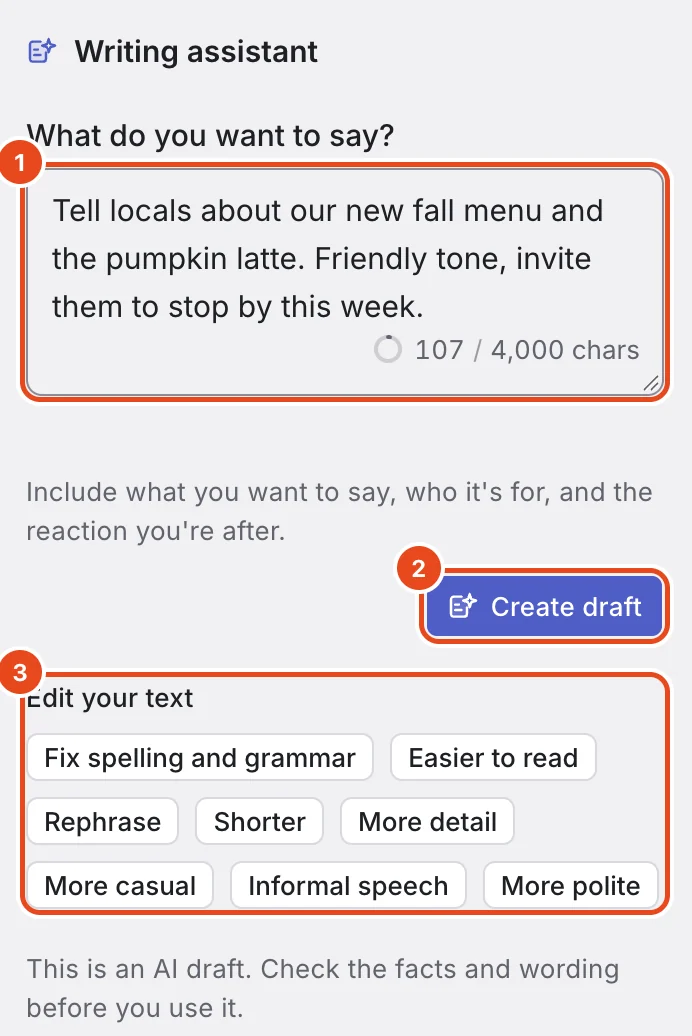
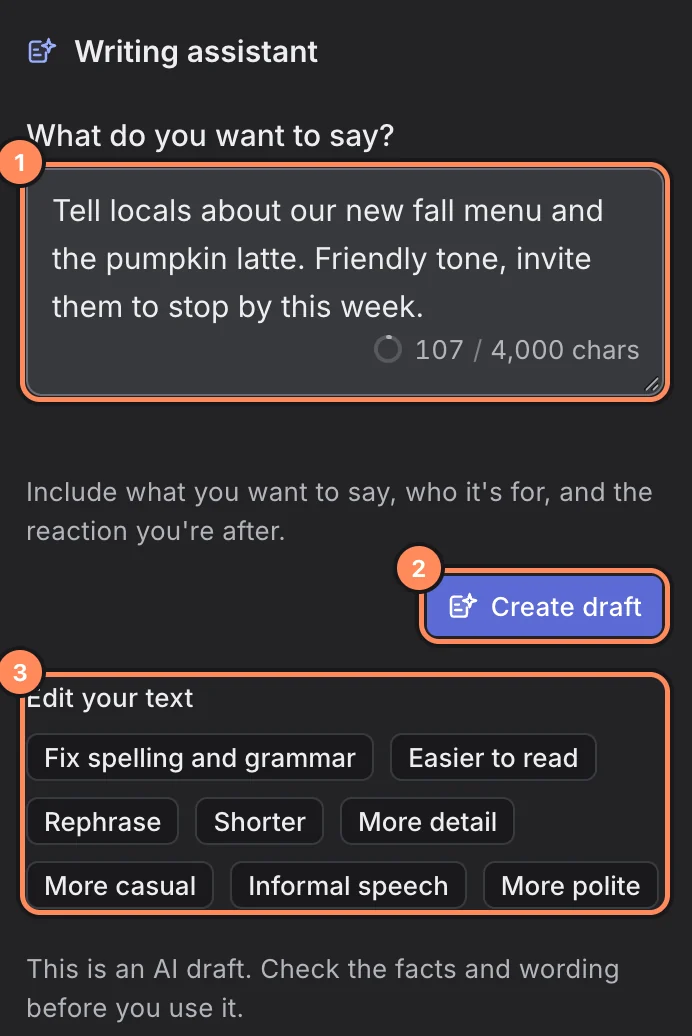
Press AI at the top of the New post window to open the Writing assistant. The first time, review what's sent to AI.
In What do you want to say?, describe what you want to say, who it's for and the reaction you're after. You can write up to 4,000 characters.
Press Create draft.
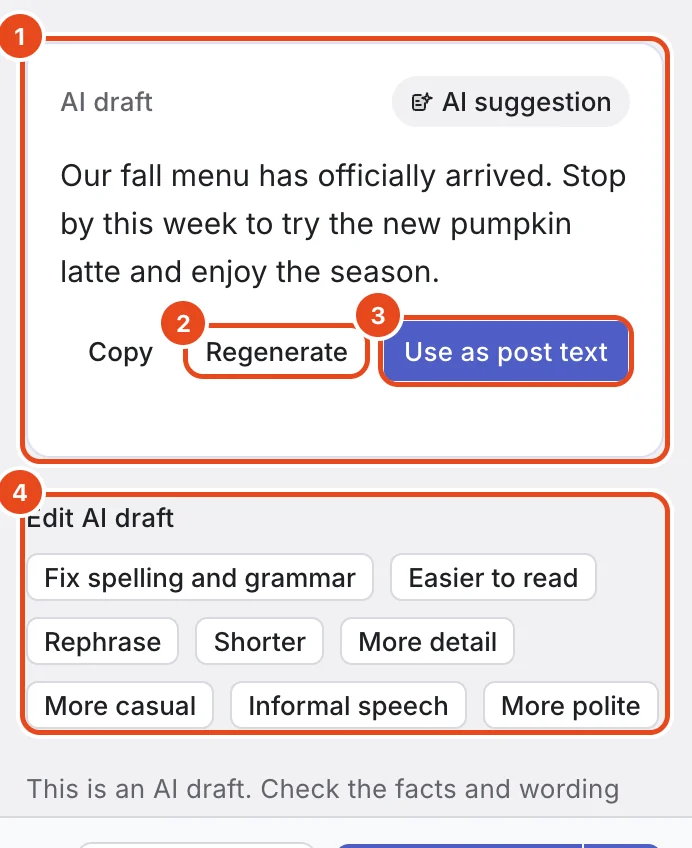
An AI draft appears shortly. Press Use as post text if you like it, or Regenerate for a new one. Copy takes just the text.
Before using it, polish the draft with the buttons under Edit AI draft.

Edit text you've written
Write your text first, then open AI.
Under Edit your text, press the button you want. Check the result, then press Use as post text to replace your text.
Changed your mind? Press Undo to get your original text back.
Ways to edit with AI
| Button | What it does |
|---|---|
| Fix spelling and grammar | Fixes spelling, grammar and spacing only. The tone stays. |
| Easier to read | Splits long sentences and tidies the order. |
| Rephrase | Says the same thing in different words. |
| Shorter | Cuts repetition and trims it down. |
| More detail | Expands on what you wrote. |
| More casual | Makes the tone friendlier. |
| Informal speech | Switches Korean text to casual speech (banmal). |
| More polite | Makes the tone formal, like an announcement. |
Options at a glance
| AI feature | Where | What it does |
|---|---|---|
| Create draft | New post › AI | Writes a post draft from your request. |
| Edit your text | New post › AI | Edits your text in 8 ways. |
| What to post next | Home | Suggests your next topics based on how recent posts did. |
| Reply suggestions | Inbox | Drafts 5 reply options for a comment. |
Free and paid plans
| Item | Free | Pro | Team |
|---|---|---|---|
| AI uses | 30 per account a month, 10 a day | 100 per paid channel a month | 200 per paid channel a month |
Each successful draft, edit or set of suggestions uses 1. If it fails, you get it back, and reopening saved suggestions doesn't count. See what's left in Settings › Plan and billing.
Good to know
- Always read AI results before posting. Facts like prices and dates can be wrong.
- Drafts come out in the language of your request. Edits keep the language of your original text.
- AI drafts, edited text and reply suggestions are deleted 24 hours after they're created, and topic suggestions after 7 days.
- Don't put sensitive personal info or passwords in a request.
Frequently asked questions
What information is sent to AI?
Your request and text and, when needed, related comments, recent posts and analytics you've allowed, sent to Google Gemini. The notice you see the first time has the details.
What happens when I run out?
You can't use AI until it refills, but you can always write posts yourself. The daily allowance refills at midnight, and the monthly one on your refill date.
It says I don't have permission to use AI on this channel.
You don't have access to that channel. Ask a workspace admin for channel access.