
- Threads
From Linktree or Litt.ly
to Moyeo
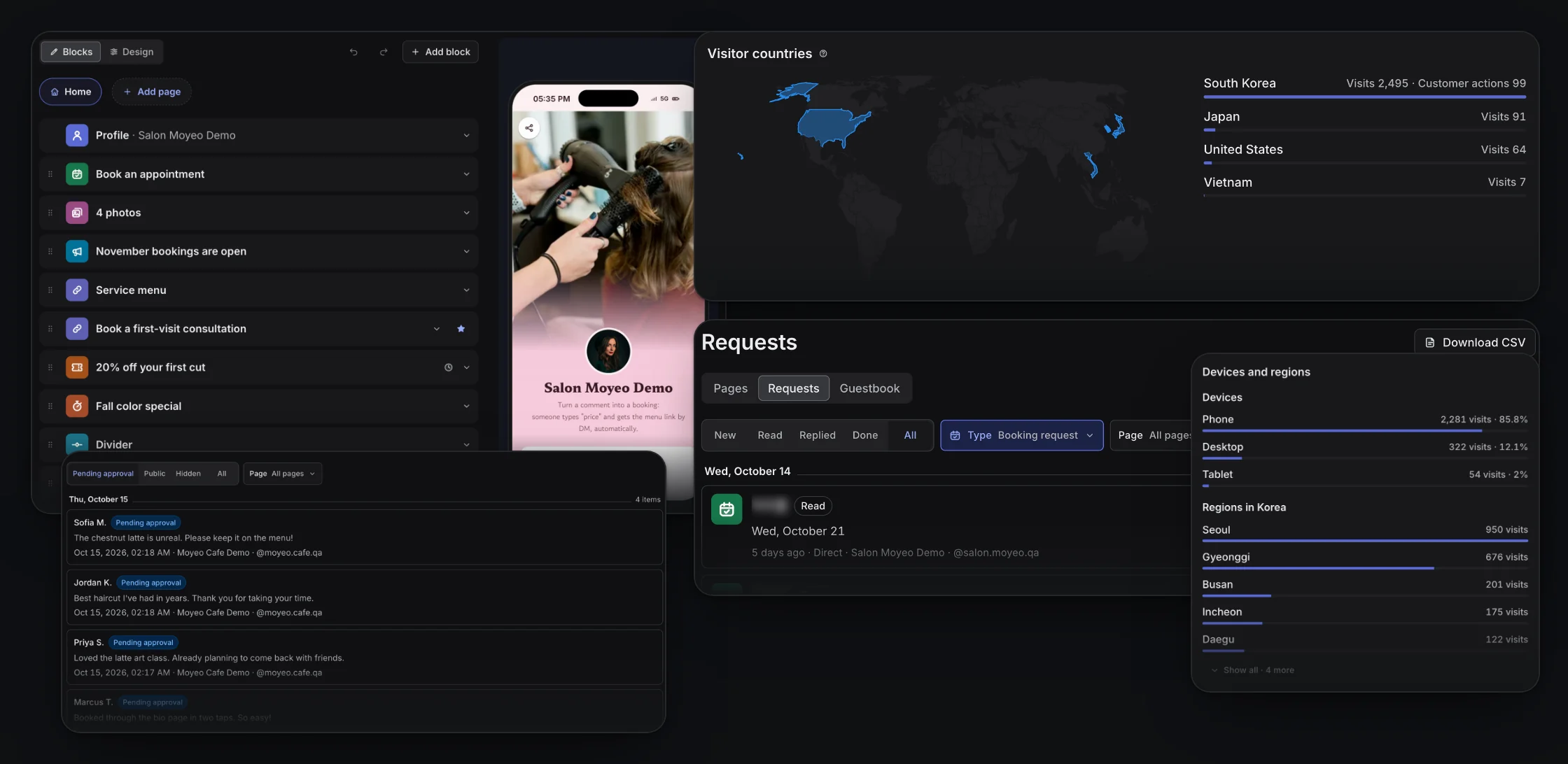
Paste the address of your current link page and Moyeo finds your links and adds them as blocks. Then take bookings and inquiries, and bring people in from your posts and comments.
Importing links and publishing a bio page are included on the Free plan.
- Fri13
- Sat14
- Sun15
Sat, November 14
From a Instagram postReply sent by email
What it does
Bring your links over
Pick from the links found at your Litt.ly, Linktree or Inpock Link address and add them as blocks. Links you already have are marked.
Bookings, inquiries and sign-ups
Take booking and inquiry requests and newsletter sign-ups right on the page. Add coupons and business info as blocks too.
A link on every post
Moyeo adds your bio page link to each post you publish. See which post brought each visitor on Pro and up.
Link DMs to commenters
Send your page address by DM to people who comment on your Instagram posts. Included on the Free plan.
Naver and Google search
Say what you do and how to reach you, and your page can show up on Naver and Google, even on the Free plan.
Scheduling and comments too
Schedule Instagram, Threads and YouTube posts and reply to comments from the same account.
How it works
Sign up for free and pick what you do to create your bio page.
In the editor, choose Import links from another service and paste your current link page address.
Pick the links to add, then add blocks like bookings and inquiries.
Publish, then change the link on your Instagram and Threads profiles to your moyeo.io/@ address.

Good to know
Supported accounts
You can build a bio page and import links without connecting a channel. Connect a channel to add links to posts, and Instagram to send link DMs.
Formats and limits
- Only link titles and addresses come over. Designs, other settings and history don't.
- Importing works with Litt.ly, Linktree and Inpock Link addresses. Add links from other services like Beacons or Taplink by hand.
- The links you pick are added as blocks at the bottom of your page.
Litt.ly, Inpock Link, Linktree, Beacons and Taplink are trademarks of their owners. Moyeo isn't affiliated with them.
What changes by plan
| Limits and features | Free |
|---|---|
| Number of bio pages | 1 |
| Subpages per page | 1 |
| Booking and inquiry requests | 50 / month |
| Newsletter emails sent | 100 / month |
| Link DMs | 50 / month |
| Naver and Google search | Included |
| Detailed visit analytics | Not included |
| Email replies to requests | Not included |
| Hide the Moyeo badge, connect analytics | Not included |
| Add your logo | Not included |
Prices are per channel per month and include VAT.
See all plansFrequently asked questions
Can't find your answer? Send us a message. Contact us
No. Your Moyeo bio page gets its own moyeo.io/@ address. Update the link on your profiles to the new address.
Yes. Add a booking or inquiry block and people can send requests from your page. You'll find them in your bio page's Requests tab.
No. Importing links and the bio page are included on the Free plan. Create up to 1 bio page. Up to 50 booking and inquiry requests a month. Up to 50 link DMs a month.
Get the word out, whoever you are. Start with Moyeo today.
Sign up and make your first post and bio page right away.